My Projects
Explore a collection of projects created throughout my journey in Game Design & Development. Each one reflects a different challenge, helping me develop both my technical skills and my understanding of creating engaging player experiences.
Game Jam 2026
As a Game Design lecturer at Boston College, I took part in our annual 24-hour Game Jam alongside one of my colleagues. The challenge was simple - build a game from scratch between 9am and 9am the following day. With only two developers, every decision mattered, and every hour counted.
The theme for this year's Game Jam revolved around Light and Dark, with our randomly assigned prompts being Souls-like, Blood Bags, Batteries, Shopkeeper, and Running. From the very beginning, we wanted to create something that felt ambitious while remaining achievable within the limited time available. Halfway through development, we recognised that building a complete level wasn't realistic, so we adapted our design into a wave-based roguelike experience where players would fight increasingly difficult enemy waves before upgrading their equipment between rounds. While we successfully completed the wave system, time ultimately prevented us from implementing the planned shopkeeper mechanics.
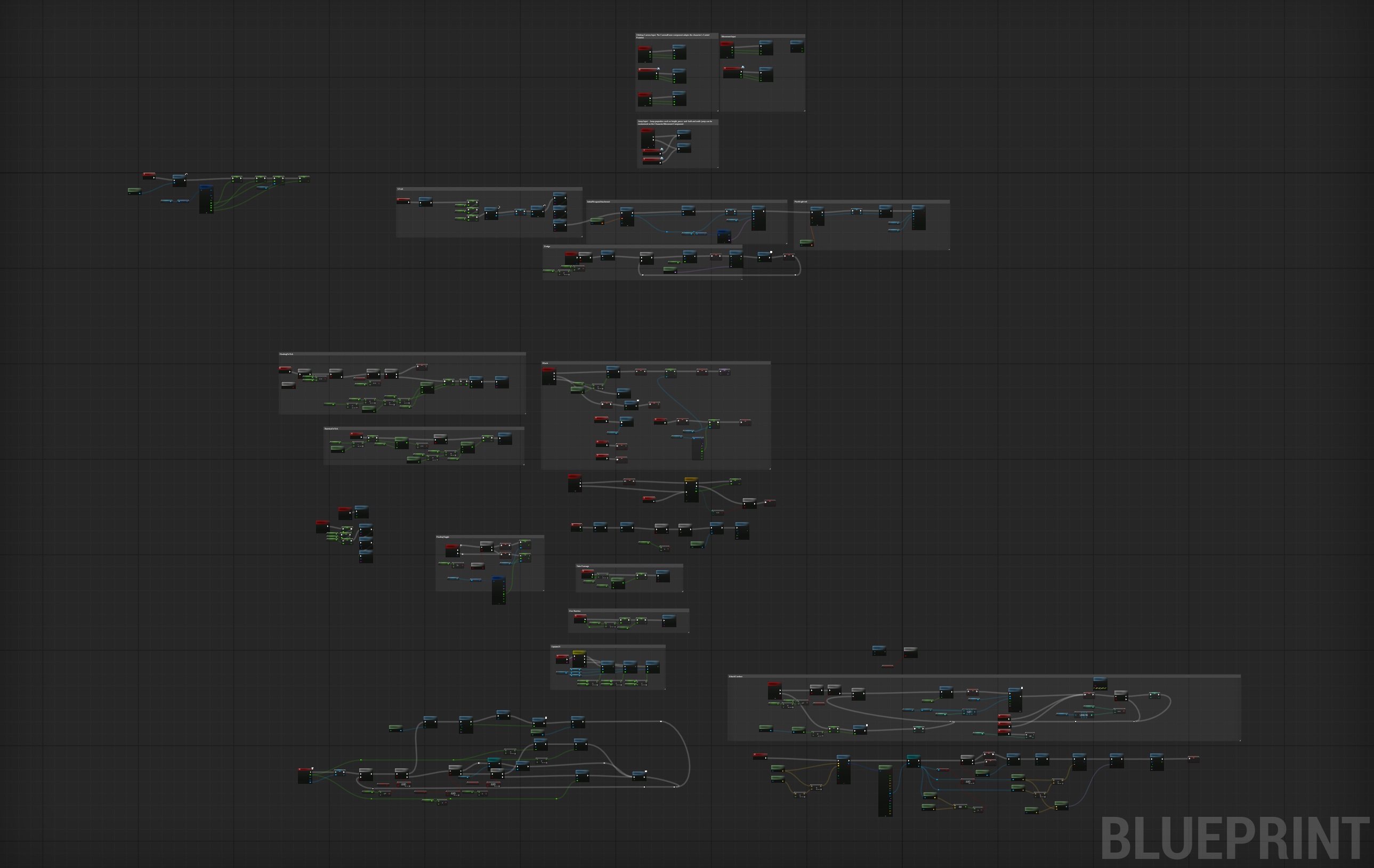
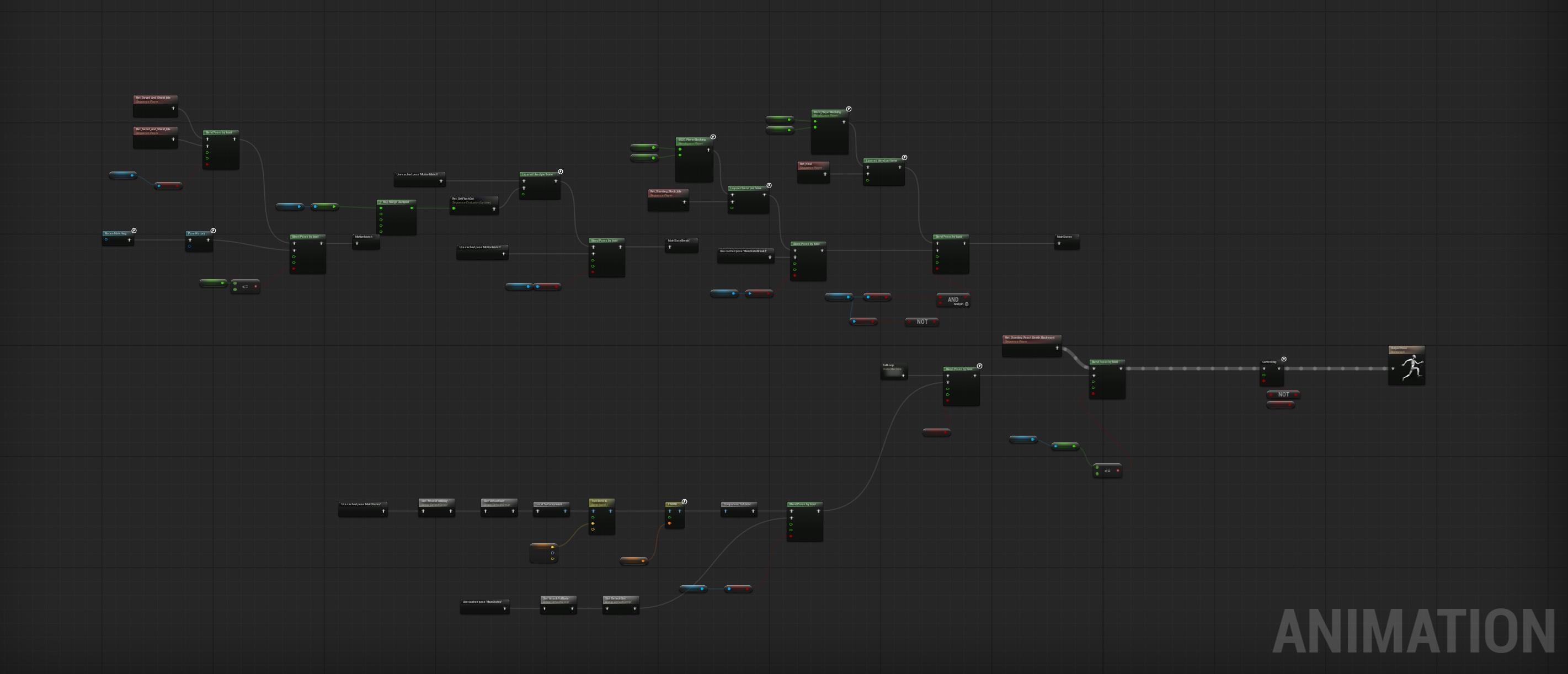
Throughout the project, my primary focus was the player experience. I developed the character controller, combat systems, and the majority of the animation framework, combining Unreal Engine's Motion Matching system with custom Blend Spaces, layered animation blending, Inverse Kinematics, and Animation Montages. I also implemented an eight-directional dodge system, responsive combat, blocking, parrying, and weapon-specific movesets to create fluid and satisfying gameplay.
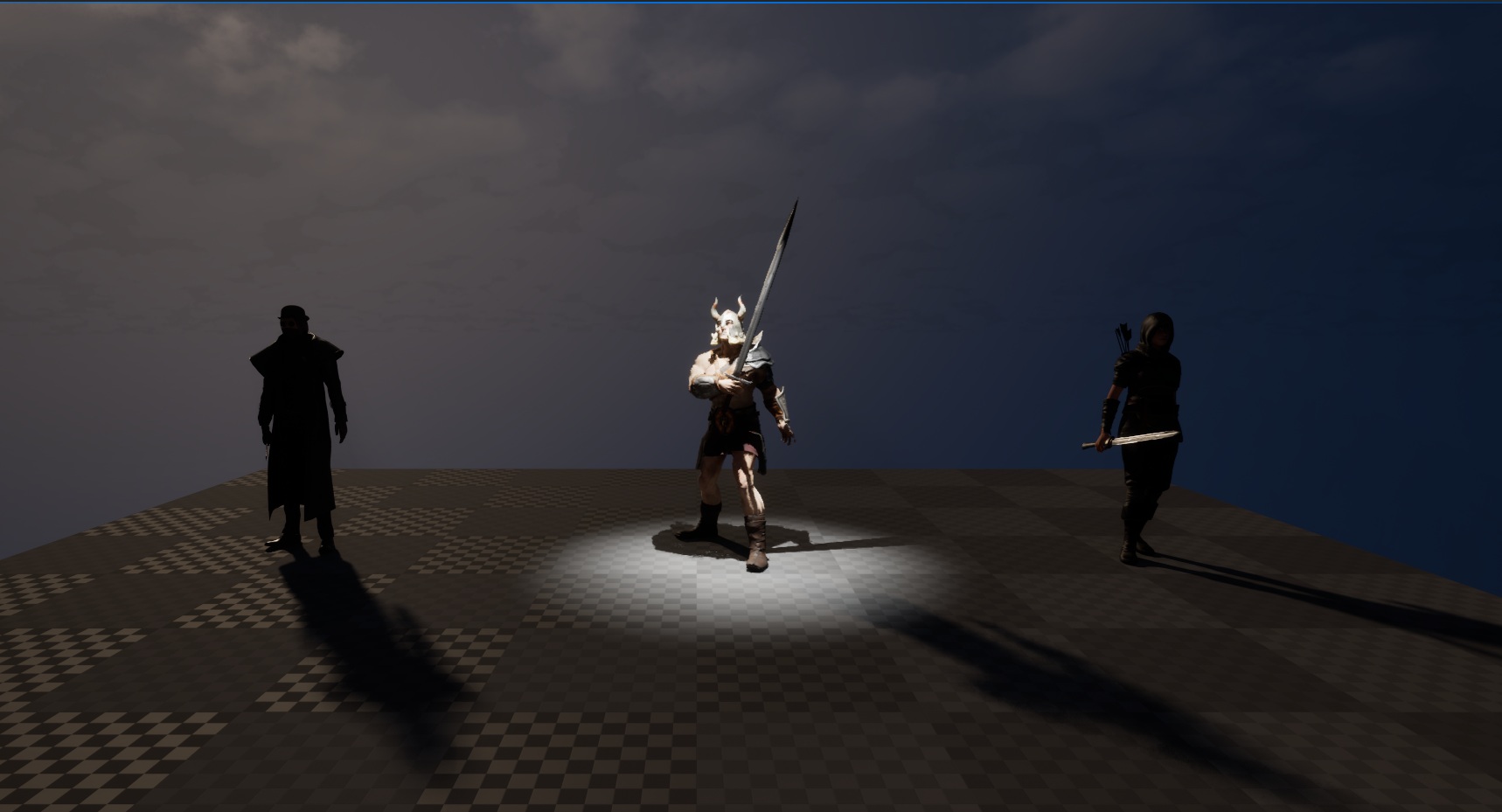
Although the game features three playable characters, they all share the same underlying Blueprint. By using Unreal Engine's live animation retargeting, I was able to reuse gameplay logic while supporting different character models, weapons, and animation sets. This allowed us to expand the game quickly without creating duplicate systems.
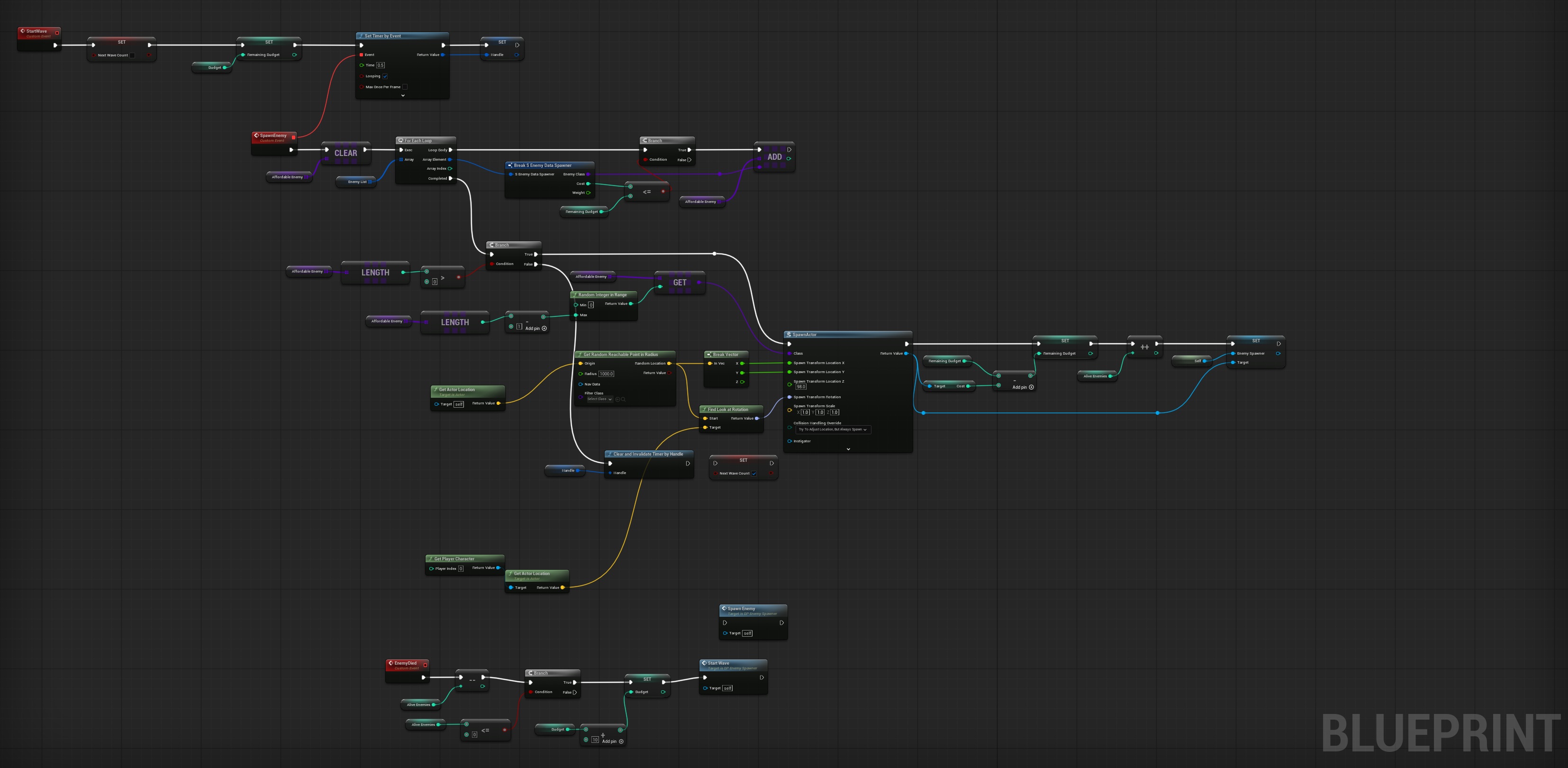
Beyond the player, I developed the enemy spawning system and contributed to the enemy animation pipeline. Instead of using fixed encounters, the wave manager works with a point-based budget, selecting enemy combinations dynamically as the game progresses. This creates more varied encounters while making it easy to balance the game's difficulty.
I also contributed to the game's presentation by creating the main menu and implementing animated transitions between the menu and character selection screen. Although time prevented the interface from being fully completed, it established the overall flow of the game and demonstrated how presentation can enhance the player's first impression.
Throughout the Game Jam, my teammate and I collaborated entirely through GitHub, working on separate feature branches and regularly merging our work together. This workflow allowed us to develop multiple systems in parallel, avoid conflicts, and maintain a steady pace throughout the event.
One of the biggest lessons from this project wasn't technical - it was learning how to prioritise. Halfway through development, we realised we wouldn't have enough time to build the full level we had planned. Rather than forcing the original idea, we adapted the design into a wave-based roguelike experience. While we didn't have time to implement every planned feature, including the shopkeeper progression system, making that decision allowed us to deliver a far more complete and polished experience within the 24-hour deadline.


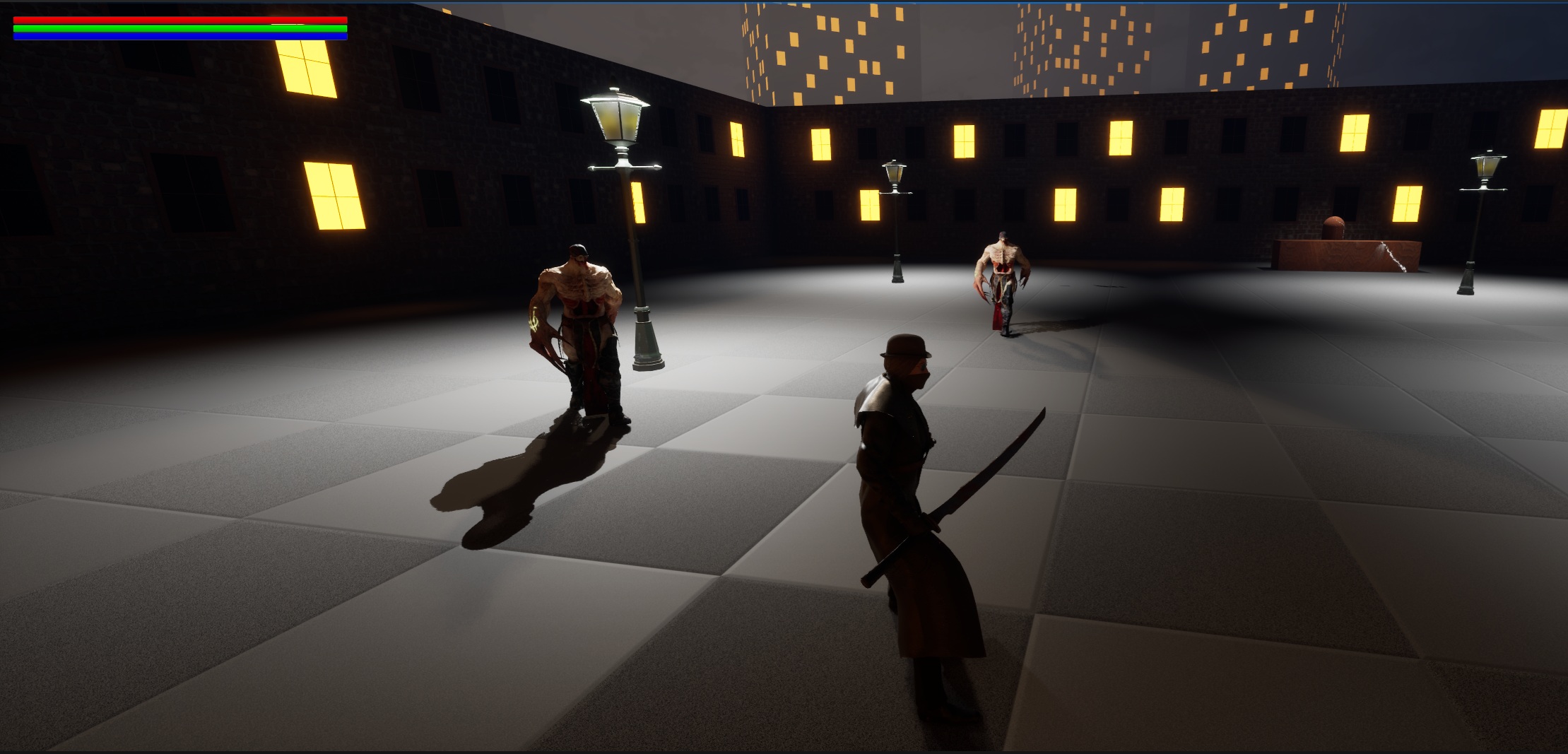
Technical Graphics Showcase
Originally created as part of a graphics module during my second year at university, this project quickly became much more than a rendering exercise. Inspired by games such as Bloodborne, I focused on creating a dark, atmospheric scene while exploring materials and lighting within Unreal Engine 5.
I also challenged myself by implementing Unreal Engine's newly released Motion Matching system for the player character. Alongside this, I adapted the Boids Algorithm - originally designed to simulate bird flocks - to drive the behaviour of a boss encounter, using a single leader with a swarm of smaller followers. It was one of my first opportunities to experiment with more advanced gameplay systems.
Looking back, this was one of the projects that really accelerated my learning. We had only recently started using Unreal Engine, so combining animation, AI, and gameplay programming into a single project pushed me well beyond the original assignment and gave me the confidence to tackle more ambitious technical challenges.
Procedural Content Generation
This project began as an assignment exploring Unreal Engine's Procedural Content Generation (PCG) framework. Rather than creating a single procedurally generated scene, I decided to focus on building a collection of reusable tools capable of generating and modifying entire medieval environments.
The project includes procedural graphs for creating castles, villages, forests, and farmland, all of which can be combined to quickly build unique scenes. In the accompanying showcase, I demonstrate how these tools can be used to create a complete environment in just a few minutes, highlighting both their flexibility and ease of use.
As my first experience working with PCG, this project presented a completely new way of thinking about level design. Instead of focusing on the final result, I concentrated on building systems that could be reused, expanded, and adapted - an approach that has influenced how I tackle technical challenges in later projects.
Other Projects
Game Engine in C++ & Rhythm Dash
This project marked my introduction to C++, making it one of the most rewarding challenges of my time at university. The assignment was to create a simple game engine using C++ and the SDL2 library, but rather than focusing solely on building a game, I wanted to create systems that were organised, reusable, and easy to expand. Looking back, this was the first project where I really started thinking like an engine programmer rather than simply a gameplay developer.
To demonstrate the engine, I created Rhythm Dash, a Geometry Dash-inspired game where the player must jump in time with the music to survive. Platform spawning was synchronised to the beat, encouraging players to stay in rhythm, while a score multiplier rewarded precise landings by granting bonus points for landing perfectly in the centre of each platform. It was a simple concept, but one that relied on timing and responsive gameplay to feel satisfying.
One of the areas I enjoyed most was designing the underlying systems. Instead of creating every platform individually, the engine keeps a small pool of reusable platform objects in memory. As platforms leave the screen, they're recycled and reused for upcoming obstacles rather than constantly being created and destroyed. This not only improved performance but also introduced me to object pooling - a technique I still use in projects today.
To make building levels easier, I also gave each platform type its own unique identifier. Levels could then be created using simple arrays of integers, allowing different layouts to be generated or switched dynamically during gameplay without rewriting code. It was a small feature, but one that made the engine much more flexible and enjoyable to work with.
Because the engine was built from scratch, every core system had to be implemented manually. I developed my own AABB collision detection, gravity simulation, input handling, and object management. One feature I particularly enjoyed building was a tag system inspired by Unity. Every object could be assigned a tag, allowing gameplay interactions to be handled cleanly through collision checks - whether the player landed on a platform, collected a coin, or collided with an enemy.
Although this was one of my earliest technical projects, it taught me lessons that continue to influence the way I develop software today. It introduced me to engine architecture, optimisation, reusable system design, and writing code that could be expanded rather than rewritten. Even now, it remains one of my favourite projects because it completely changed the way I think about building games.
PhysX - Realistic Demolition Simulation
This project was one of the most technically demanding assignments I completed during university, second only to my dissertation. The goal was to create a fully simulated demolition scene using NVIDIA PhysX and C++, recreating the behaviour of a real-world wrecking ball demolishing a brick building.
Rather than simply creating a scene that looked convincing, I wanted the simulation to behave as realistically as possible. Before writing any code, I spent a significant amount of time researching how demolition actually works. I investigated the size, weight, and density of real wrecking balls, studied different methods of bricklaying, and looked at how brick walls are constructed in practice. Using this research, I created a physically accurate brick with realistic dimensions and material properties before writing a system capable of constructing complete walls procedurally.
Building the walls was only the beginning. Each individual brick needed to be connected to its neighbours in a way that simulated the strength and behaviour of mortar, allowing forces to transfer naturally throughout the structure. Creating those constraints proved to be one of the most challenging parts of the project, but it was also what gave the demolition its believable appearance.
Once the first wall was complete, I quickly encountered another problem - performance. Every single brick was being simulated independently, which dramatically reduced performance as the scene grew. To solve this, I developed a system that initially "froze" completed walls, keeping every brick as an individual object while disabling unnecessary physics simulation. When the wrecking ball struck a wall, I determined the impact location and selectively reactivated only the bricks affected by the collision. This allowed the destruction to remain realistic while significantly improving performance.
Another challenge appeared once sections of the wall had collapsed. Bricks that were no longer physically supported would often remain suspended in mid-air because they had never received an impact themselves. To solve this, I created an additional support detection system that continuously evaluated whether each brick still had structural support beneath it. If not, it was automatically reactivated, allowing unsupported sections to collapse naturally under gravity. This small addition made a huge difference to the realism of the final simulation.
Although the simulation is slightly more dramatic than a real demolition for visual effect, I based much of the behaviour on real footage of wrecking ball demolitions, using those references to guide both the scale of destruction and the overall movement of the structure.
This project taught me far more than simply how to use PhysX. It challenged me to think about optimisation, large-scale simulation, and solving complex engineering problems through code. It's also a project I'll always remember on a personal level, as much of the development took place while I was travelling abroad, spending late nights working on my girlfriend's laptop after everyone else had gone to bed to make sure I met the deadline.